This update closes a long-standing visual bug that caused walls to disappear at corners and same-floor geometry to be incorrectly shadowed.
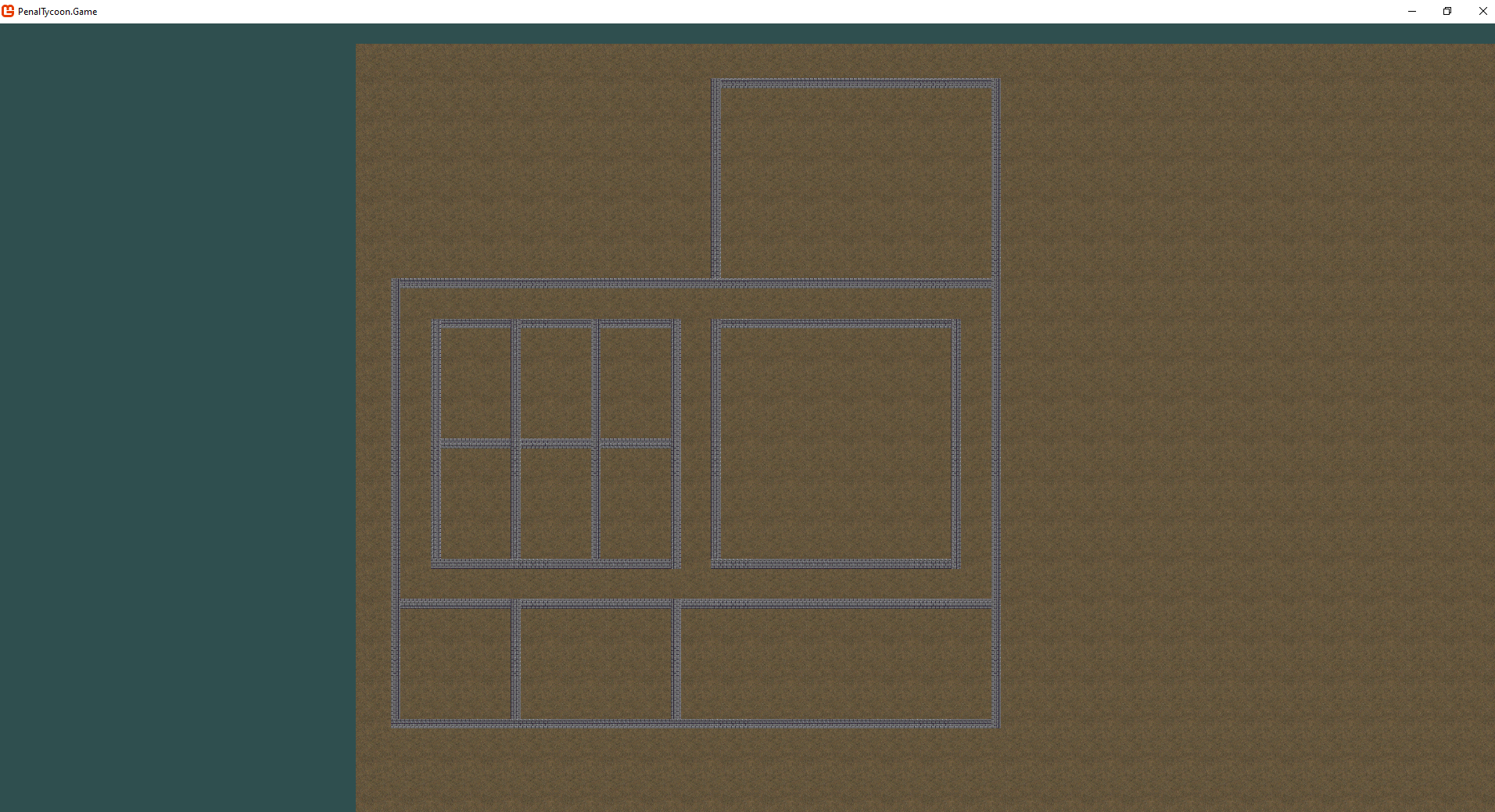
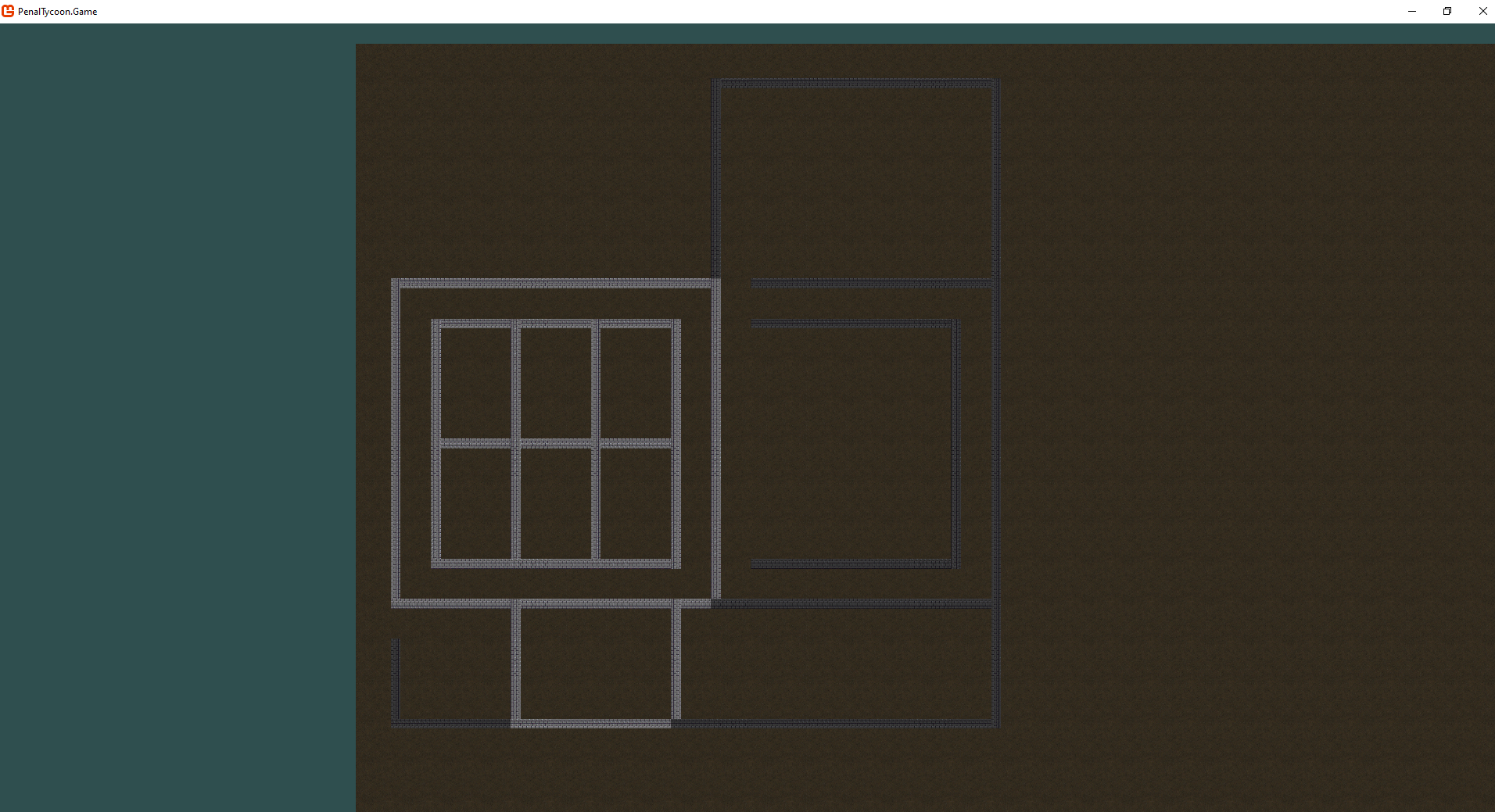
The fix required a refactor of both data structures and rendering order logic.
Data Structure Refactor
Walls were previously stored in a shared structure within each map tile:
- Each tile kept a stack of floors, with wall data embedded as top and left wall references.
- This caused ambiguity when resolving visible geometry for multi-floor tiles — for example, when a top wall existed on one floor but a left wall didn’t.
To simplify and clarify rendering, wall data has been separated:
- Each map tile now contains three independent stacks:
- Floor stack – for floor tiles per level.
- Top-wall stack – for walls drawn horizontally between tiles.
- Left-wall stack – for walls drawn vertically.
- The rendering system now queries each stack explicitly, without needing to inspect or merge wall data during visibility determination.
This change restored the simplicity of the existing “top visible floor” logic while making wall visibility fully predictable.
The most amazing thing was that I even didn’t have to touch the rendering system itself. Just reworking internal structure of the world. Amazing how much benefit the proper abstraction brings when it comes to fixing annoying bugs.

Rendering System Changes
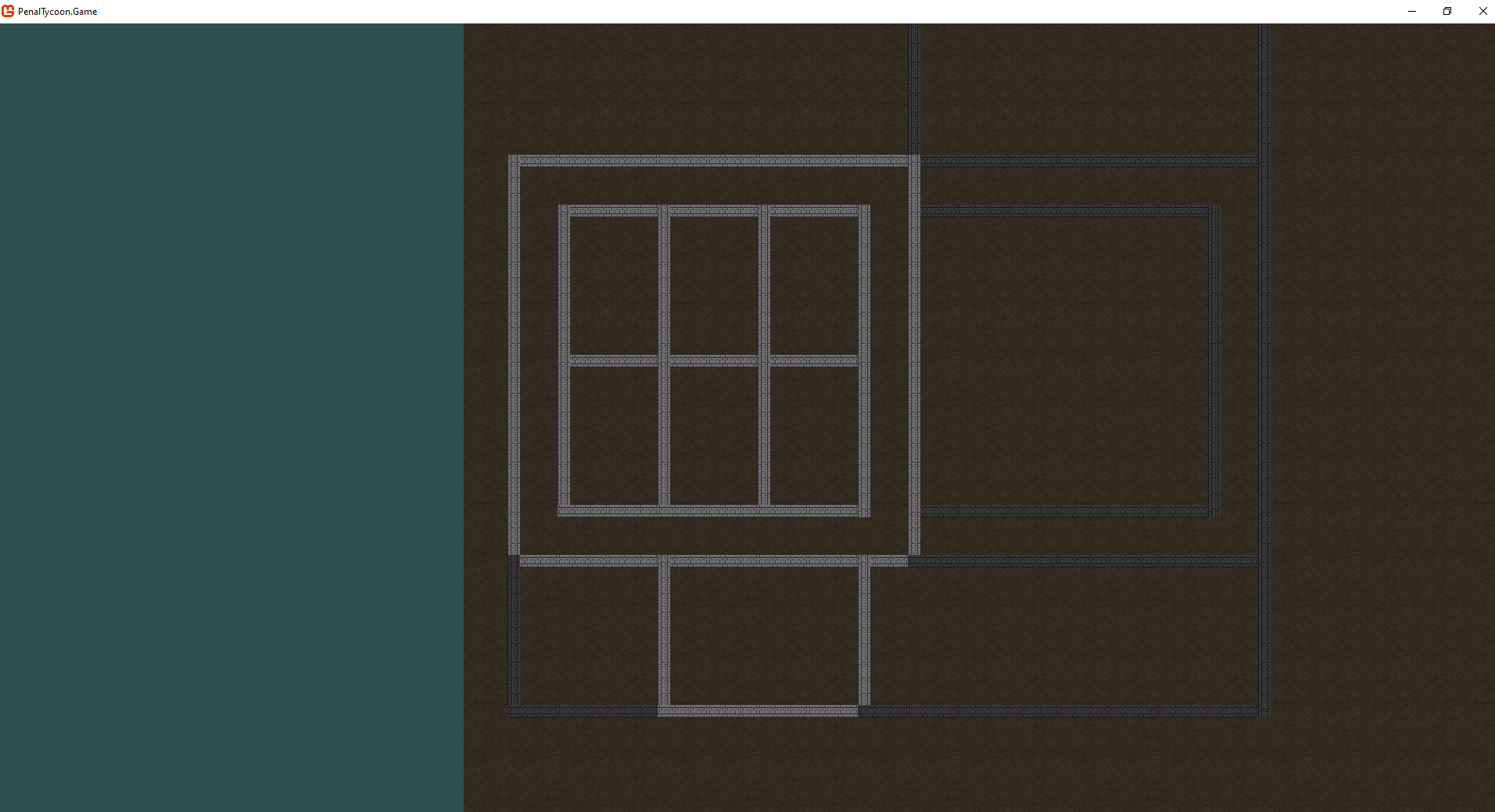
The shading artifacts and missing wall corners were caused by how draw calls were ordered and flattened:
- The renderer iterated tile by tile, collecting wall segments in a single pass.
- It packed sprites so that there would be no gap between adjacent walls. Due to the fact that walls are placed in between tiles, a vertical wall segment next to the upper one is “shifted” and overlaps the bottom cap of the upper segment.
- The renderer then simply checked whether it’s the same floor as the camera at. If not, it dumbly cast the shade.
A layered draw ordering system has been introduced:
- Wall segments are first stored in a
Dictionary<int, List>, keyed by floor index. - After the entire visible region is processed, the renderer enumerates floor layers in ascending order, submitting draw calls per layer.
- This guarantees correct ordering and clean layering between floors.
Performance?
No drawback so far. Basically, I just did exactly the same as MonoGame was supposed to do for me with keyed spring batching, but with my own code.
Why don’t just use the built-in MonoGame feature for that?
Attempting to rely on MonoGame’s built-in layerDepth parameter failed me, as it unfortunately doesn’t preserve the order for equal-keyed draw calls.
The custom explicit layering system introduced the determinism I desperately needed to preserve core parts of the renderer intact and save performance.
Results
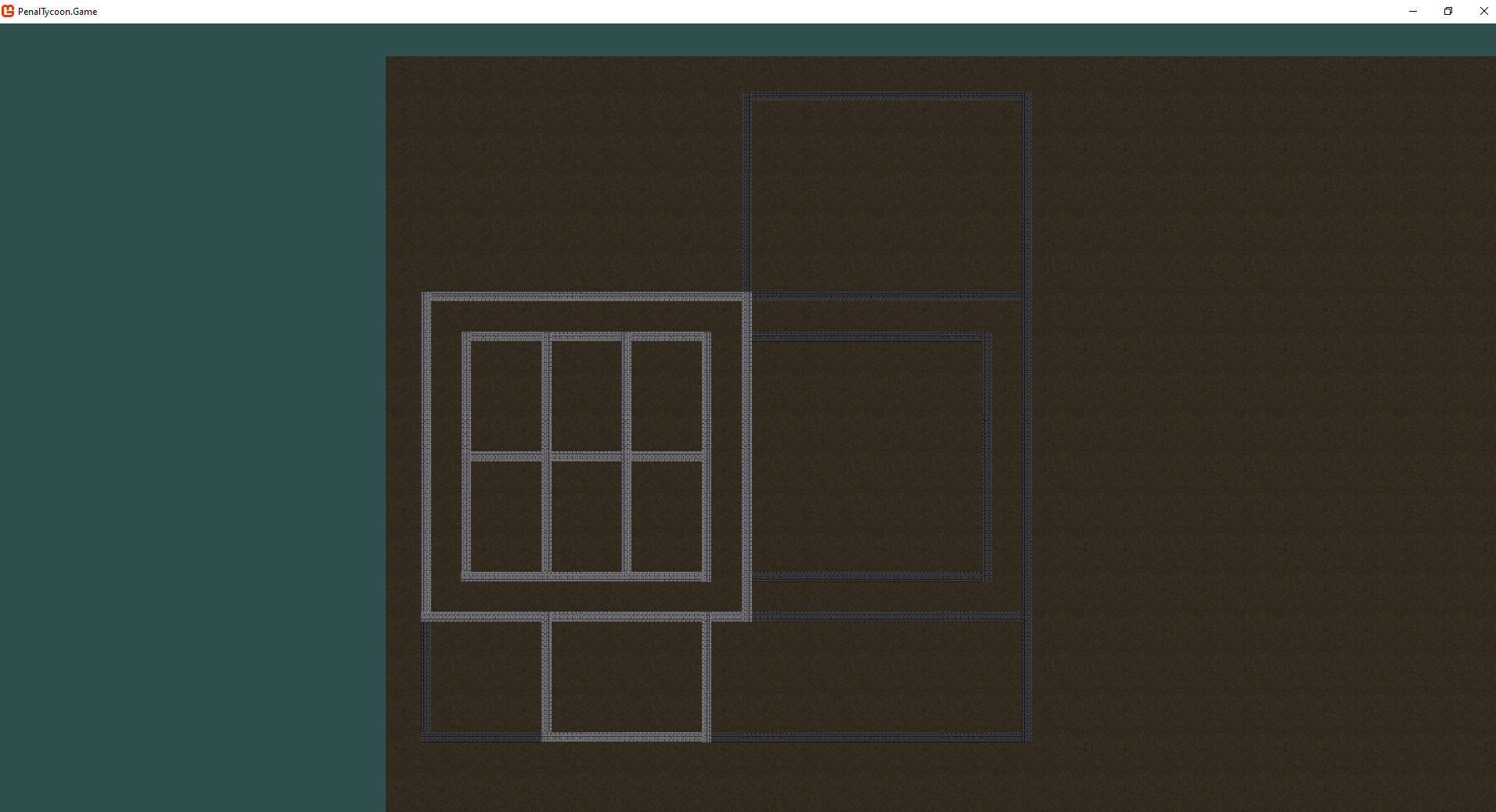
- Floor and wall rendering now behaves consistently across all visible floors.
- Corner shading artifacts have been eliminated.
- The “top visible floor” query logic remains simple and unaffected by wall presence.
- Rendering order is fully deterministic and floor-aware.
Effect on modders?
None.
I see many of you guys are already dead from bore by this para reading through all this programming stuff. But my point is to share that coding even a 2D engine from scratch, even having tools and frameworks supposed to solve most of the problems an indie developer is doomed to encounter, can be far from a lightweight walk.
Next Steps
- Proceed with asset integration (floors, walls, fences, doors, windows).
- Implement edge placement for doors and windows.
- Begin work on the manual zoning and labeling system for screenshot preparation.
This refactor completes the rendering foundation for multi-floor visibility and sets the stage for more complex environmental content.